XDA made the case that if you already run Ollama, the front end most worth your time is not LM Studio, it is Msty. That reading held up for a lot of readers. Msty gives Ollama users a native app with split pane chat, Knowledge Stacks that turn a folder into a RAG index, and a UI that hides the terminal without hiding the model. The trade off is a closed source client, a paid Aurum tier at fifty dollars a year, and a Studio rebrand that moved parts of the product behind a subscription. If that mix has you shopping around, these Msty alternatives keep the local first idea and shift the trade offs.
We tested seven Msty alternatives on Windows, macOS, and Linux across a two week window. The list covers native desktop apps that install in one click, browser based UIs that live next to an Ollama daemon, and one power user frontend that trades polish for depth. Every option below runs on all three desktop platforms unless we call out otherwise.
Quick comparison
| App | Best for | Free plan | Starting price | Standout feature |
|---|---|---|---|---|
| LM Studio | Native GUI on any desktop OS | Free for personal and work | Enterprise quoted per seat | MLX runtime on Apple Silicon, 30 to 50 percent faster than Metal llama.cpp |
| Jan | Fully open source LM Studio replacement | Free, Apache 2.0 | Free | OpenAI compatible API on localhost:1337, MCP support |
| Ollama | Terminal first daemon with a stable API | Free, MIT | Free | Native Windows ARM64 build, cloud model bridge, resumable pulls |
| Open WebUI | Self hosted chat for a small team | Free under the Open WebUI license | Free below 50 users, contact for above | RBAC, pipelines, and a much larger community than the Msty add on catalog |
| AnythingLLM | Local documents plus agents in one app | Free desktop and Docker builds | Managed cloud around fifty dollars a month | Built in agent builder, Magic Features for OS wide dictation and text actions |
| GPT4All | Older hardware and CPU only machines | Free, MIT | Free | LocalDocs collections, ships a Reasoner mode and a code sandbox on device |
| Text Generation WebUI | Power users who want every sampler and loader | Free, AGPL | Free | Transformers, llama.cpp, ExLlamaV2, TensorRT LLM, and HQQ behind one UI |
Why people leave Msty
Msty is a strong app. The reasons people move on are usually specific, not general.
- Closed source client. The engine underneath is Ollama or llama.cpp, but the wrapper is proprietary. That rules Msty out for anyone who wants an auditable code path or a fork friendly license.
- The paid tier keeps growing. Aurum at fifty dollars a year unlocks team features, personas, turnstiles, and the newer MCP surface. The free tier still covers most solo workflows, but the good stuff has drifted into the paid app.
- Msty Studio is not Msty. The rebrand introduced a web app and a new desktop client. Users on the old Msty are being nudged toward Studio, and the migration path is not as clean as a version bump.
- No real multi user story. Msty is built around one person on one machine. A homelab that wants shared history, roles, or a shared model pool has to look elsewhere.
- Linux support is real but thin. The AppImage works, the update flow is manual, and desktop notification integration lags the macOS build.
The seven alternatives
LM Studio, best all round native app
LM Studio is the app most Msty users try first when they leave, and the one many stay on. The Hugging Face model browser is inside the app, the chat UI handles images and documents, and the OpenAI compatible server on port 1234 is a two click toggle. On Apple Silicon the MLX backend runs Llama, Qwen, Gemma, and Mistral roughly 30 to 50 percent faster than a Metal build of llama.cpp, with similar or lower memory use. Msty vs LM Studio on hardware picking comes out in LM Studio’s favor for anyone on M series Macs.
Where it falls short: The client itself is not open source. RAG is basic next to a purpose built workspace app like AnythingLLM.
Pricing:
- Free for personal use, unlimited local models
- Free for use at work since mid 2025, no separate license request
- Enterprise support and volume deployments are quoted per seat
- vs Msty: same free ceiling, no Aurum tier, better speed on Apple Silicon
Download: lmstudio.ai
Bottom line: The safe default for a solo developer who wants a real GUI and one click model swaps. Skip it if closed source is a hard no.
Jan, best fully open source pick
Jan is what LM Studio would look like if the client itself were Apache 2.0. It runs on Windows, macOS, and Linux, ships with a first party model catalog pulled from Hugging Face, and exposes an OpenAI compatible API at localhost:1337. Recent releases added Model Context Protocol support, so tools that expect MCP servers can call a Jan hosted model without a custom shim. Msty vs Jan comes down to whether you value the polish of Msty’s split view or the license clarity of Jan’s Apache build.
Where it falls short: The model catalog is smaller than LM Studio’s and some Hugging Face quantisations arrive later. Windows GPU acceleration on non CUDA hardware is still catching up.
Pricing:
- Free, forever, no seat cap, no telemetry upsell
- Optional bridges to OpenAI, Anthropic, Mistral, and Groq use each provider’s own billing
- vs Msty: no paid tier, no Aurum equivalent
Download: jan.ai
Bottom line: The right pick when the license matters as much as the UI, and the top open source Msty alternative on desktop.
Ollama, best for the terminal minded
Ollama is the daemon Msty already talks to for local models. Cutting Msty out and driving Ollama directly is a real option if the terminal is not scary. The 2026 releases added a native Windows ARM64 build, resumable pulls, a hosted cloud bridge, and better tool and coding agent integrations. The REST API on port 11434 works with Continue, Zed, Cursor, and anything else that speaks the Ollama or OpenAI schema. Msty vs Ollama is less a swap and more a choice about whether you want a chat app or an inference server.
Where it falls short: No GUI. Documents, personas, and knowledge bases live in whatever client you point at Ollama.
Pricing:
- Free, MIT license, no paid tier
- Optional hosted cloud models are billed per token
- vs Msty: no Aurum tier, no chat UI, and the front end of your choice
Download: ollama.com
Bottom line: The right pick for developers who want scriptable local inference and are willing to bring their own chat client.
Open WebUI, best browser based UI for a small team
Open WebUI is the closest structural match to a self hosted Msty. It runs as a Docker container next to Ollama, exposes a web app on port 3000, and adds the parts Msty leaves out for solo users. Role based access control, pipelines, function calling, and a much bigger add on ecosystem all ship in the base install. MCP, MCPO, and OpenAPI tool servers plug in through the same admin panel. Msty vs Open WebUI is really a question of one user on a laptop versus a few people sharing a homelab.
Where it falls short: The license changed from BSD 3 to a custom Open WebUI license in April 2025. Deployments over 50 users in a 30 day window need to keep the branding or contact the maintainers.
Pricing:
- Free below the 50 user branding threshold
- Enterprise licenses for large teams that want to strip the branding
- vs Msty: no per user fee at homelab scale, and a proper admin surface
Download: openwebui.com
Bottom line: The best pick for a homelab or a small team, and by far the strongest RBAC story in this list.
AnythingLLM, best for documents plus agents
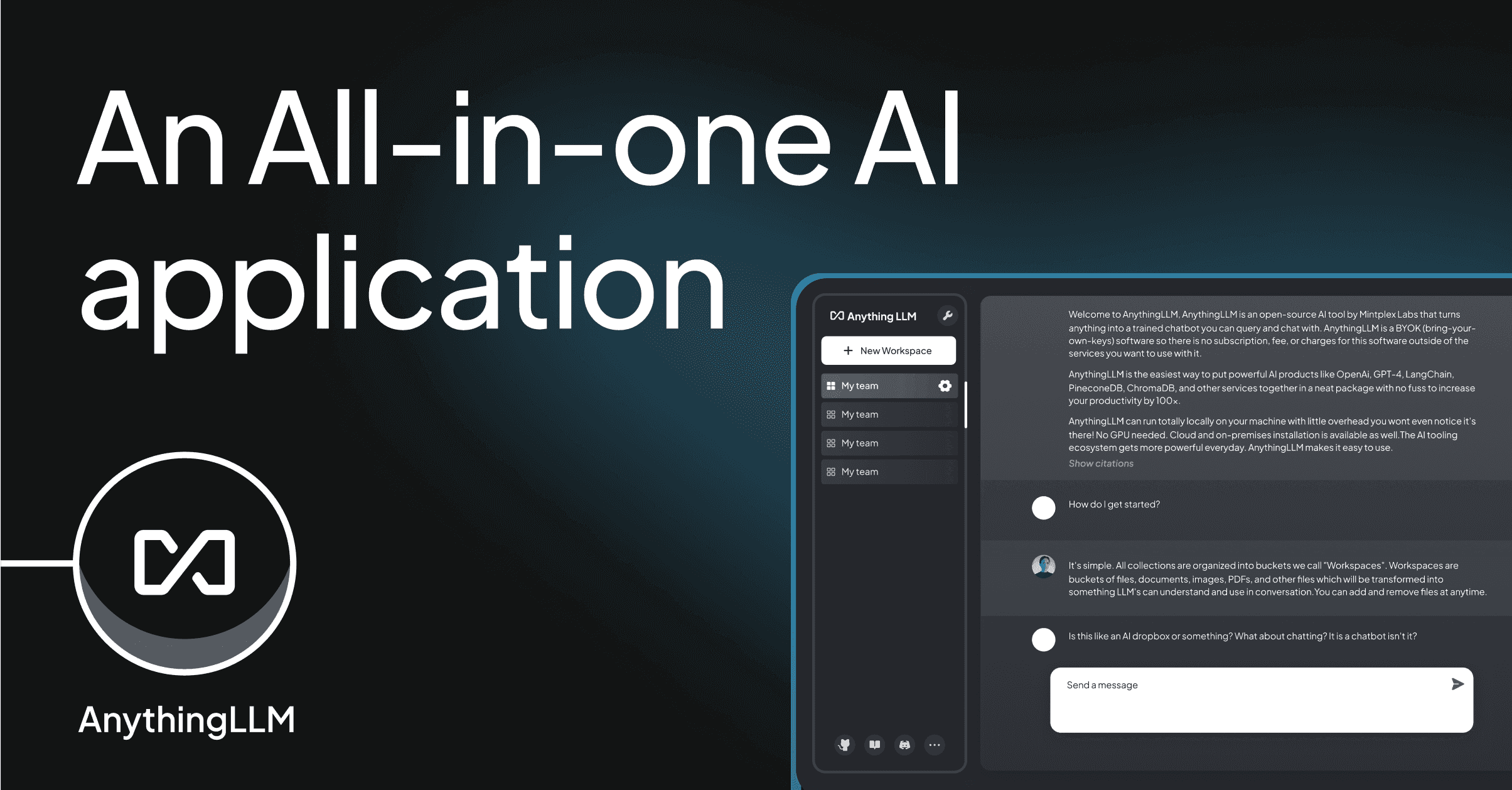
AnythingLLM is closer to Msty’s Knowledge Stacks than any other app on this list, but it takes the workspace concept further. Each workspace has its own documents, vector store, model config, and chat history. The built in agent builder gives autonomous agents that can browse the web, query SQL, generate charts, and read files, with MCP compatibility for external tool servers. Version 1.15 added Magic Features, on device dictation, text actions, and autocomplete that work in any OS window. Msty vs AnythingLLM lands squarely on whether the workflow is chat with a folder or run an agent against a folder.
Where it falls short: The Docker setup for multi user deployments needs GPU passthrough and vector store choices most users would rather not think about. The cloud version has a paid tier that occasionally leaks into the self hosted README.
Pricing:
- Free desktop app for Windows, macOS, and Linux
- Free Docker build for self hosting with multi user support
- Managed cloud from around fifty dollars a month
- vs Msty: comparable free ceiling on desktop, deeper document workspaces, and real agents
Download: anythingllm.com
Bottom line: The pick when documents and agents are the point, not the chat window around them.
GPT4All, best on modest hardware
GPT4All is the app to hand a friend with a five year old ThinkPad. It runs on CPUs, ships a curated model list that stays inside the machine’s RAM budget, and never asks for a GPU. The LocalDocs feature indexes a folder for retrieval augmented chat, and the 2026 update added a device side Reasoner mode plus a code sandbox that runs Python locally. It also has a real Windows ARM build for Snapdragon X laptops. Msty vs GPT4All is a hardware question, Msty wants a proper GPU or Apple Silicon, GPT4All is happy on the CPU.
Where it falls short: The chat UI is plainer than Msty’s, no split pane, and the model catalog leans conservative. Advanced features like MCP or agent orchestration are not in scope.
Pricing:
- Free, MIT licensed, commercial use allowed
- No paid tier
- vs Msty: cheaper hardware requirements, thinner feature set
Download: nomic.ai/gpt4all
Bottom line: The right pick for anyone whose machine cannot spare eight gigabytes of VRAM.
Text Generation WebUI, best power user frontend
Text Generation WebUI, often called oobabooga after its maintainer, is the frontend for users who want every knob. Five loaders sit behind one UI, Transformers, llama.cpp, ExLlamaV2, TensorRT LLM, and HQQ. QLoRA fine tuning is built in, samplers include DRY, XTC, and Mirostat, and the extension catalog covers text to speech, image generation, character cards, and a full RAG stack via superboogav2. Msty vs Text Generation WebUI is a polish versus depth trade, Msty gets you chatting in a minute, oobabooga gets you tuning the model.
Where it falls short: The install has more moving parts than a native app. The chat UI does not look like ChatGPT, and it does not try to.
Pricing:
- Free, AGPL 3.0
- No paid tier
- vs Msty: more setup, more control, and fewer defaults
Download: github.com/oobabooga/text-generation-webui
Bottom line: The right pick for anyone who wants to fine tune, sample, and pick a loader per model, not per app.
How to choose
Pick LM Studio if the priority is a native desktop app that just works, and the closed source client is fine. It handles model picking, chat, and an OpenAI compatible server without any homework, and on Apple Silicon it is measurably the fastest option on this list.
Pick Jan if the license matters as much as the UI. It is the closest one to one replacement for the Msty experience under an Apache 2.0 license, and the MCP support means it plugs into the same agent tools LM Studio and Msty do.
Pick Open WebUI if two or more people share the same models. Nothing else on this list has RBAC, pipelines, and a proper admin surface built in.
Pick AnythingLLM if the reason to run local models is a folder of PDFs or an internal knowledge base. Workspaces and agents are first class here, not a bolt on.
Stay on Msty if the split pane view, the polish, and the fifty dollar Aurum tier are already earning their keep, and if you do not need multi user support. It is still the tightest single user experience on this list, and the new Studio desktop client keeps the parts most people love.
FAQ
Is Msty better than LM Studio? For a solo user who wants split pane chat and Knowledge Stacks out of the box, Msty is more feature dense. For anyone on Apple Silicon or anyone who wants a free work license, LM Studio has the edge on speed and licensing clarity. Both wrap the same local engines.
Is there a fully free Msty alternative? Yes. Jan, Ollama, Open WebUI, GPT4All, and Text Generation WebUI are all free with no paid tier. Jan and Open WebUI are the closest matches to Msty’s feature set, GPT4All is the lightest install, and Text Generation WebUI offers the most control.
What is the best open source Msty alternative? Jan for a native desktop feel, and Open WebUI for a self hosted browser app. Both are actively maintained, both speak OpenAI compatible APIs, and both support MCP. Pick Jan if you want one app on one machine, Open WebUI if you want a shared install.
Can I use Msty offline? Yes, and so can most alternatives on this list. Msty, LM Studio, Jan, Ollama, GPT4All, AnythingLLM, and Text Generation WebUI all run local models with no network required. Web search and cloud model bridges are optional add ons in each one.
Do these apps replace Ollama or just wrap it? Some do both. LM Studio, Jan, GPT4All, and Text Generation WebUI ship their own inference engines and do not need Ollama. Msty, Open WebUI, and AnythingLLM can drive Ollama or their own engine, so the same model files work across apps.